How a smart bulb works in your home decor
This article is also available in French: Comment fonctionne une ampoule connectée
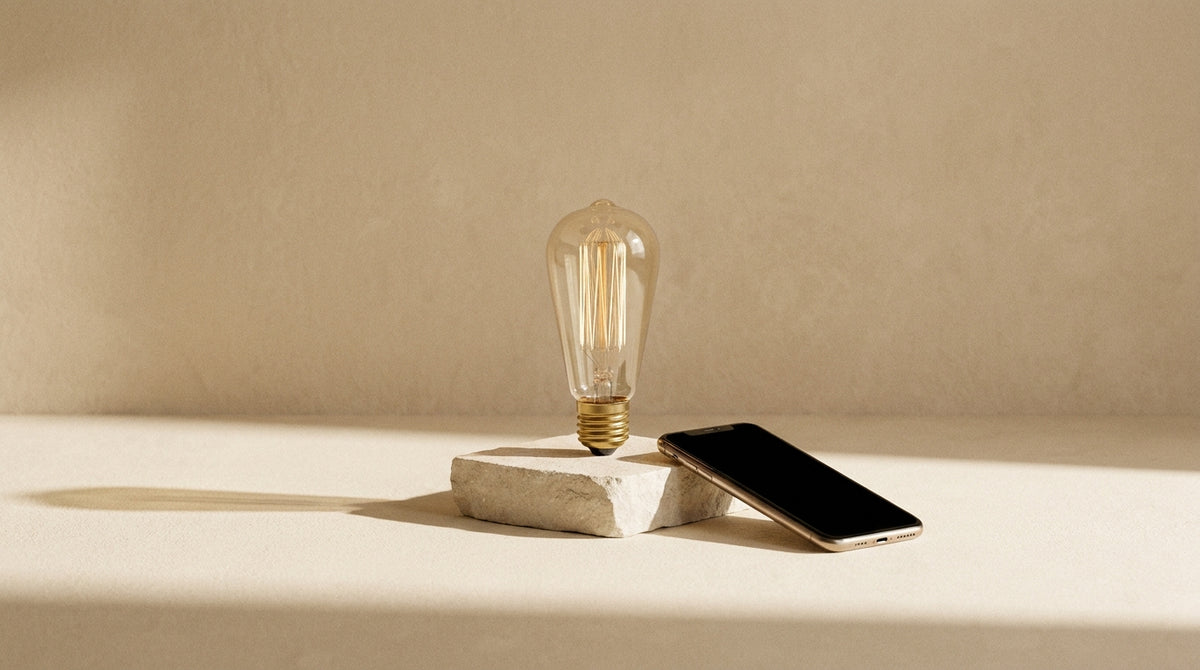
Screw in the bulb, scan the code, pair it: setup takes a few minutes. A smart bulb does not replace your switch, it adds to it. What really decides the outcome comes down to three points: the radio link, the base, and compatibility with the existing installation, dimmer and old switch included.
How do you connect a smart bulb?
You screw in the bulb, install the manufacturer's app, pair over Bluetooth or Wi-Fi, then name the room. The phone becomes the remote control. Three radio links exist, and the right choice depends mainly on the size of the home and the number of bulbs to control.
Bluetooth, Wi-Fi, radio bridge: what to choose for your home
In a studio, Bluetooth is enough: the bulb talks directly to the phone. On a design bulb, the radio module fits inside the body of the bulb and cannot be seen once screwed in. As soon as you want to control it from outside, you need a link that goes through the home network.
- Bluetooth: immediate pairing, range of one room, no accessory to plug in
- Wi-Fi: the bulb connects to the router, control possible outside the home
- Zigbee-type radio bridge: dedicated network, stable when bulbs multiply
- Gateway: some speakers act as one, check the product sheet
On the lighting side, nothing changes: our page on how an LED works describes the chip used in all these models.
How does a smart bulb work with Alexa?
The speaker turns your sentence into a command, sends it to the manufacturer's service, which passes it on to the bulb. So you need a linked account and a powered bulb. If the network goes down, voice no longer works: the wall switch is the only fallback.
The principle does not change from one assistant to another. That is why our selection of LED bulbs specifies the link for each model, in addition to the base.
What are the advantages of smart bulbs?
They give you control over brightness and hue, room by room and hour by hour, without changing the fixture. A warm white at 2700 K in the evening, a brighter light for cooking. All from the phone, without getting up or touching the wall.
What a smart bulb changes in a living room in the evening
A living room is not lit like a worktop. In the evening, you want a low light that keeps the room calm; during the day, you want clarity for reading.
- 2700 K: warm white, reading and late evening
- 4000 K: neutral white, meals and desk
- Low brightness: hallway or child's night light
- Scenarios: one tap to switch from one to the other
If you are unsure between the two temperatures, our guide on white or yellow light settles it according to the room and the time.
For a night room, the question is different: which bulb for a bedroom answers very different uses from those of a living room.
What it does not solve: the pitfalls to know
A smart bulb does not make up for an installation that cuts its power. Four situations come up again and again.
- Wall switch off: the bulb disappears from the app, no scenario turns it back on
- Old dimmer: designed for halogen, it makes the LED flicker
- Loaded network: beyond a few Wi-Fi bulbs, the router struggles
- Without pairing: the same bulb becomes an ordinary LED again, controlled only at the wall
Design bulbs to control from your phone


How can I turn on a bulb remotely?
Through the manufacturer's app, once the account is created and the bulb paired. The phone sends the command to the online service, which passes it on to the bulb over Wi-Fi or via a radio bridge. From outside, this assumes the bulb stays powered at all times.
Wall switch, dimmer: the edge case that blocks everything
A switch left in the off position cuts the power outright: the bulb drops out of the app and no longer responds. This is the first thing to check when a model stops obeying. The dimmer poses a second, more insidious problem.
A dimmer designed for halogen chops the current in a way the LED handles poorly: flicker, buzzing, switching off. A dimmable LED bulb is recognised by a compatibility stated on the product sheet, to be read before buying.
- Wall switch: leave it on at all times
- Dimmer: to be bypassed or replaced
- Power cut: on return, the bulb resumes its last state
- Motion sensor: handy in a hallway, but it cuts the power as you pass
Scheduled routine or voice control
A routine triggers at a set time or at sunset: the hallway lights up before you get home, the living room dims after 10 p.m. Voice goes through the speaker then the manufacturer's service, with the same network limits.
You set it once: our page on turning on the light remotely with your phone covers the steps from A to Z.
When the question shifts from the bulb to the complete fixture, the physical remote remains the most direct gesture. The remote-control lighting range gathers the models equipped with one as standard.
Which base fits the socket you want to equip?
Which bulb for your existing socket?
Unscrew the bulb in place and read what is engraved on the base: E27 for large threads, E14 for small ones, G9 and G4 for pins. It is this reference, more than the wattage, that decides the purchase.
E27, E14, G9, G4: recognising your base
| Base | Visual cue | Where you find it |
|---|---|---|
| E27 | Wide thread, 27 mm | Ceiling lights, pendants, floor lamps |
| E14 | Fine thread, 14 mm | Wall lights, small bedside lamps |
| G9 | Two short pins | Spots and compact wall fixtures |
| G4 | Very fine pins | Mini spots and low-voltage fixtures |
If in doubt, our page on bulb base size gives the cues down to the millimetre.
Once the reference is known, the choice narrows: E27 base bulbs cover most ceiling lights and pendants.
For a small wall light, look instead at E14 bulbs.
Recessed spots call for G9 and G4 bulbs.
Warranty and ingress protection: what matters when buying
On a survey of 33 references in our Design Bulbs collection as of 29 September 2026, the E27 base is declared on 42% of them, G9 on 27%, G4 on 24% and E14 on 15%. LED is declared on 100% of this survey, as are IP20 ingress protection and CE certification. The warranty splits between 2 years (73%) and 5 years (27%).
IP20 means dry room: nothing to do with use in a bathroom or outdoors, where another rating is needed.
The collection has 282 references on that same date. To compare two models on the same criteria, our guide on choosing bulbs sets out the method.
For support, better to go to the source: the Designix Google listing shows its up-to-date reviews.
If your socket is already identified, you can compare the models available in our design bulbs and check compatibility before buying.
If in doubt about your installation, our team will answer your specific case.
In stock · shipping costs shown at checkout · up to 30% off in your cart


Ready to turn inspiration into reality?
Tell us about your room, your style and your budget, and we will show you the pieces that truly suit your project.
Get guidance in 30 seconds →